

Connectors
Choose the right source for Microsoft 365, SaaS seats, AI API costs and imported memberships.
Open Connectors in the workspace sidebar. Select a provider to see its connection status, supported data and setup controls.
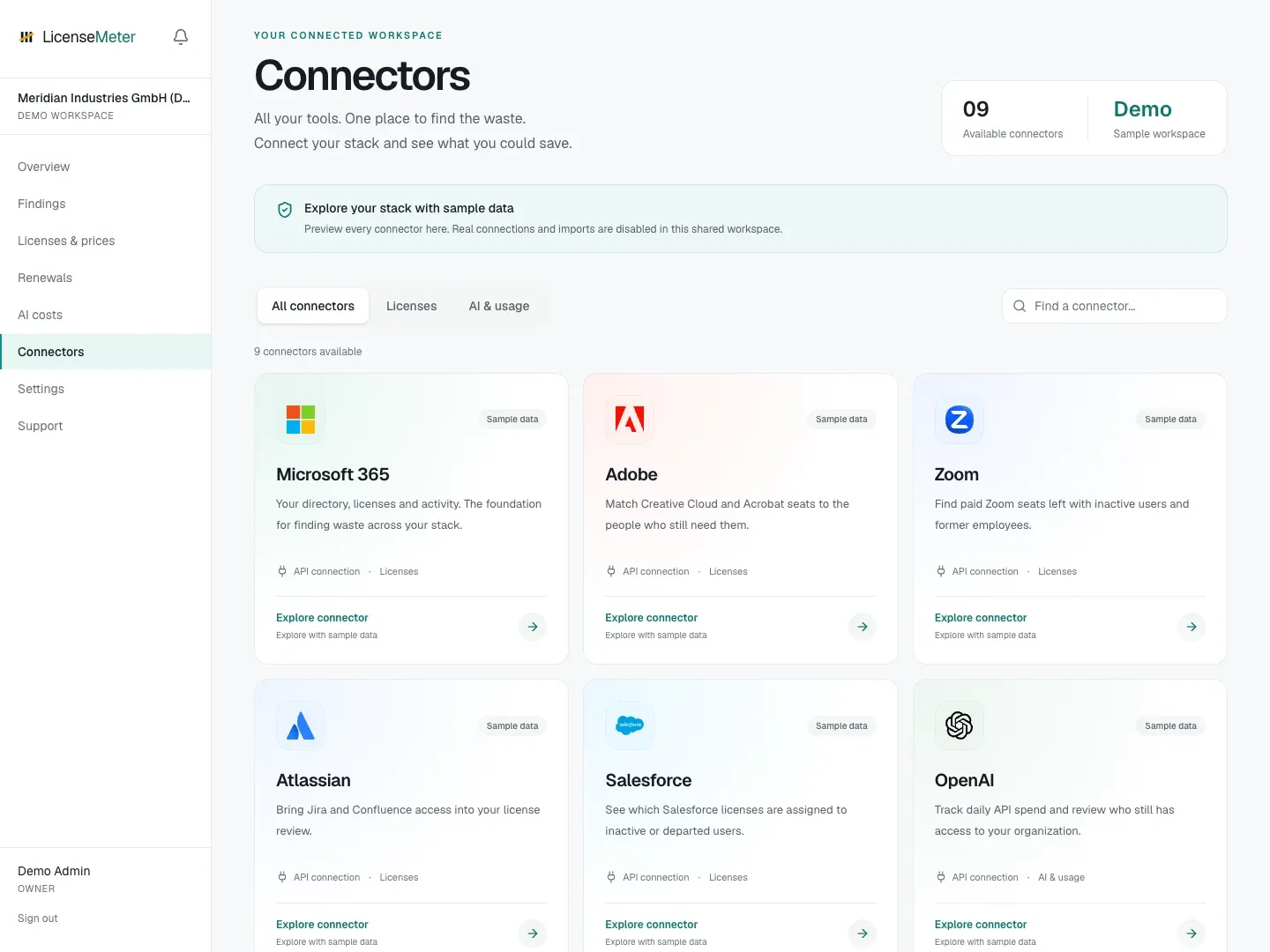
LicenseMeter sample workspace. All names, costs and findings shown are demonstration data.
| Provider | Connection | Main data |
|---|---|---|
| Microsoft 365 | Provider API | Directory, license inventory and available activity reports |
| Adobe | Provider API | Members, entitlements and activity where available |
| Zoom | Provider API | Members, entitlements and activity where available |
| Atlassian | Provider API | Members, entitlements and activity where available |
| Salesforce | Provider API | Members, entitlements and activity where available |
| OpenAI | Provider API | Console membership and daily API costs |
| Anthropic | Provider API | Console membership and daily API costs |
| ChatGPT | Pasted CSV or member table | Members, entitlements and activity where available |
| Claude | Pasted CSV or member table | Members, entitlements and activity where available |
Before connecting
Section titled “Before connecting”Use an Admin or Owner role in LicenseMeter. Obtain the provider access described on its guide, then enter credentials only in the connector’s secure fields. A provider may grant a credential broader authority than LicenseMeter uses; the application performs read operations, but the credential itself must still be protected.
A live Microsoft 365 connection is a prerequisite for these additional provider connectors, including ChatGPT and Claude imports. CSV-only assessments and instant scans do not unlock them. If the page says to connect or reconnect Microsoft, complete that first. Directory matching uses the connected Microsoft directory. A person without a match may be an external collaborator or use a different email address; investigate before treating them as departed.
After connecting
Section titled “After connecting”Check validation, run a sync if needed, inspect the provider page and update the price book. If a credential expires, replace it through the same connector controls and verify the next sync.
For imported providers, re-import a current member table whenever you need fresh results. The import replaces that provider’s previous snapshot.