> For the complete documentation index, see [llms.txt](https://docs.licensemeter.com/llms.txt). Markdown versions of documentation pages are available by appending `.md` to page URLs; this page is available as [Markdown](https://docs.licensemeter.com/connectors/zoom.md).
# Zoom
Find licensed Zoom seats held by departed or long-inactive people. A Server-to-Server OAuth app with one read scope.
Zoom licenses linger after Teams takes over and after people leave. LicenseMeter lists licensed users and their last login and cross-checks each seat against Entra ID.
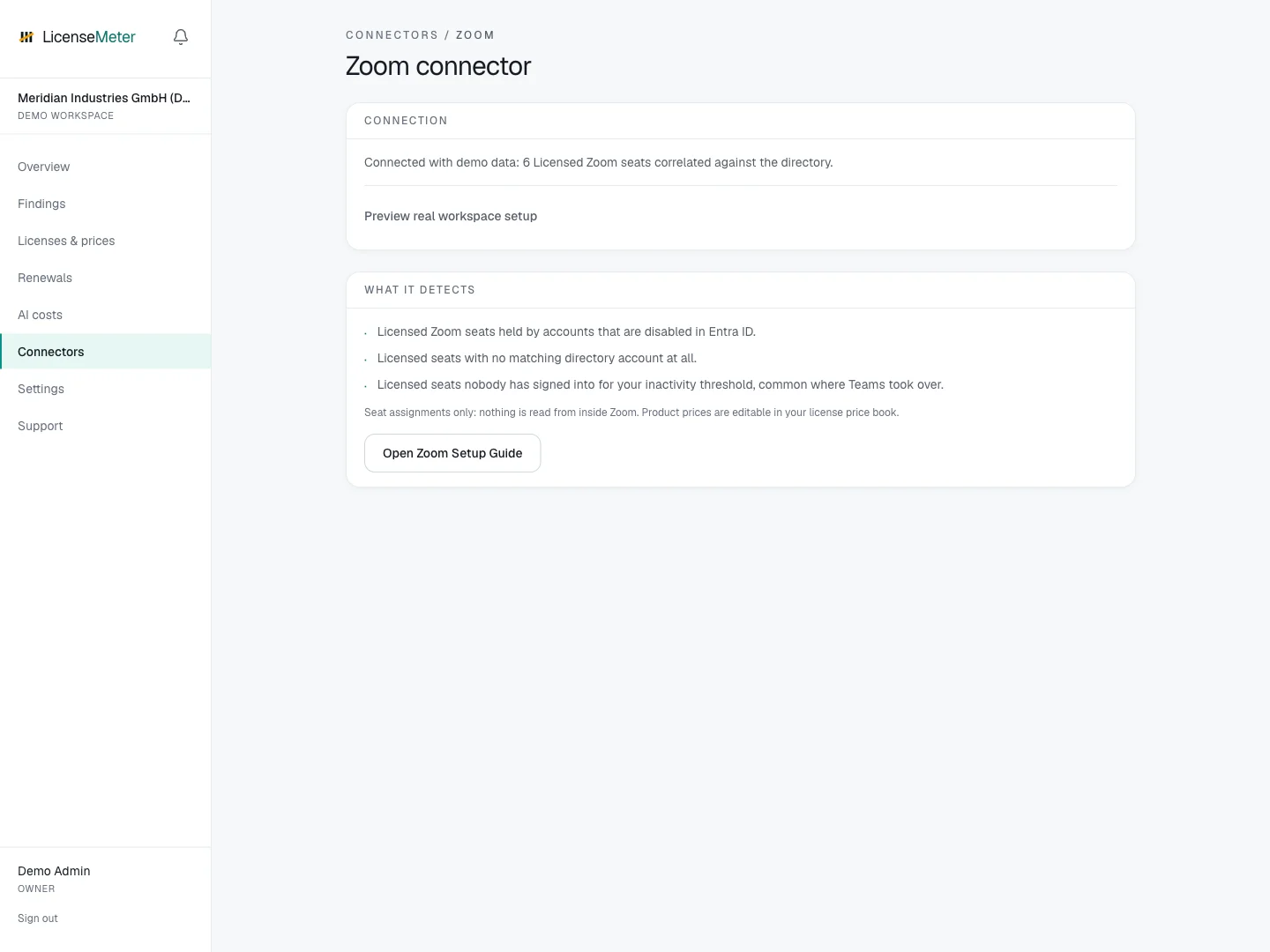
Open **Connectors > Zoom** in your workspace.
LicenseMeter sample workspace. All names, costs and findings shown are demonstration data.
{% hint style="info" %}
The screenshot shows sample data, not a live connection or provider consent screen. In your own workspace, the page presents the appropriate connection or import controls.
{% endhint %}
## Setup
{% stepper %}
{% step %}
### Create the Server-to-Server OAuth app
In the Zoom App Marketplace under Develop > Build App, a Zoom account admin creates a Server-to-Server OAuth app and activates it. The app stays internal to your account. Nothing is published.
[Zoom Server-to-Server OAuth guide](https://developers.zoom.us/docs/internal-apps/s2s-oauth/)
{% endstep %}
{% step %}
### Grant the scope
Add the user:read:list\_users:admin scope (the granular scope that lists all users). Nothing else is required. Note that the similarly named user:read:user:admin reads only one user at a time and will not authorize the sync.
{% endstep %}
{% step %}
### Connect
Copy the account ID, client ID and client secret from the app credentials page and paste them on the Zoom connector page. They are validated before storage and encrypted at rest.
{% endstep %}
{% endstepper %}
## Data used
* Licensed users: email, name, status and plan type
* Last sign-in where Zoom reports it
## Outside this connector's scope
* Meetings, recordings, chat or any content
## Findings and limitations
* Licensed Zoom seats held by accounts that are disabled in Entra ID.
* Licensed seats with no matching directory account at all.
* Licensed seats nobody has signed into for your inactivity threshold, common where Teams took over.
The connector needs the list-users permission. A single-user read scope does not authorize an organization-wide member sync.
After setup, check the refresh timestamp and [set contract prices](/licenses-and-prices.md) for any seat-based products. If validation or sync fails, start with [Troubleshooting](/troubleshooting.md).
---
# Agent Instructions
This documentation is published with GitBook. GitBook is the documentation platform designed so that both humans and AI agents can read, navigate, and reason over technical content effectively. Learn more at gitbook.com.
## Querying This Documentation
If you need additional information that is not directly available in this page, you can query the documentation dynamically by asking a question.
Perform an HTTP GET request on the current page URL with the `ask` query parameter, and the optional `goal` query parameter:
```
GET https://docs.licensemeter.com/connectors/zoom.md?ask=&goal=
```
`ask` is the immediate question: it should be specific, self-contained, and written in natural language.
`goal` is optional and describes the broader end goal you are ultimately trying to accomplish on behalf of the user. GitBook uses it to tailor the answer towards what is most useful for that goal.
The response will contain a direct answer to the question and relevant excerpts and sources from the documentation.
Use this mechanism when the answer is not explicitly present in the current page, you need clarification or additional context, or you want to retrieve related documentation sections.