> For the complete documentation index, see [llms.txt](https://docs.licensemeter.com/llms.txt). Markdown versions of documentation pages are available by appending `.md` to page URLs; this page is available as [Markdown](https://docs.licensemeter.com/connectors/salesforce.md).
# Salesforce
Find Salesforce licenses still assigned to departed people, usually the single most expensive leak. Connected App with client credentials, read-only.
At Salesforce prices, one forgotten seat pays for a lot of tooling. LicenseMeter queries the user list with license type and last login and cross-checks every license against Entra ID.
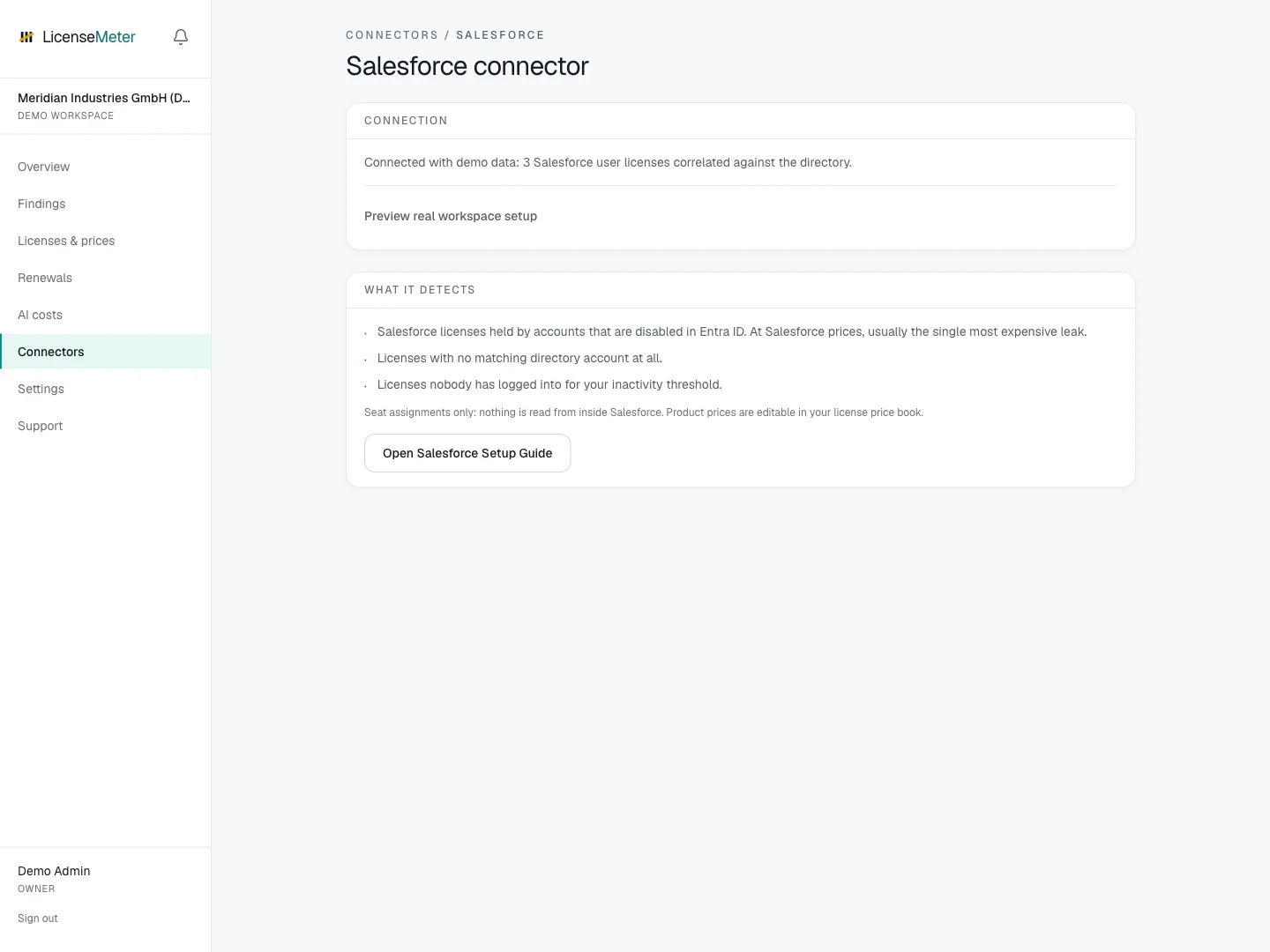
Open **Connectors > Salesforce** in your workspace.
LicenseMeter sample workspace. All names, costs and findings shown are demonstration data.
{% hint style="info" %}
The screenshot shows sample data, not a live connection or provider consent screen. In your own workspace, the page presents the appropriate connection or import controls.
{% endhint %}
## Setup
{% stepper %}
{% step %}
### Create a Connected App
In Setup > App Manager, create a Connected App with OAuth enabled and Enable Client Credentials Flow checked. Under Selected OAuth Scopes, add 'Manage user data via APIs (api)' - without it the token issues but the user query is rejected, so the connection validates yet reads nothing.
[Salesforce: Configure a Connected App for the Client Credentials Flow](https://help.salesforce.com/s/articleView?id=xcloud.connected_app_client_credentials_setup.htm\&type=5)
{% endstep %}
{% step %}
### Set a read-only run-as user
Under Manage > Edit Policies > Client Credentials Flow, set the execution user. Use a dedicated integration user with API Enabled and View All Users (read-only) - View All Users is what lets the single query return every active user when User Sharing is on; without it the list comes back empty or partial. LicenseMeter's only query is the user list.
{% endstep %}
{% step %}
### Connect
Paste your production My Domain URL () or sandbox My Domain URL (), plus the consumer key and consumer secret, on the Salesforce connector page. Validated before storage, encrypted at rest.
{% endstep %}
{% endstepper %}
## Data used
* The user list: email, name, active flag and license type
* Last login per user
## Outside this connector's scope
* CRM records: no accounts, contacts, opportunities or reports
## Findings and limitations
* Salesforce licenses held by accounts that are disabled in Entra ID. At Salesforce prices, usually the single most expensive leak.
* Licenses with no matching directory account at all.
* Licenses nobody has logged into for your inactivity threshold.
The OAuth api scope can cover more than the user query LicenseMeter performs. Restrict the dedicated execution user and review the granted access in Salesforce. Organizations that cannot create legacy Connected Apps should follow Salesforce’s current application setup path with the required client-credentials capability.
After setup, check the refresh timestamp and [set contract prices](/licenses-and-prices.md) for any seat-based products. If validation or sync fails, start with [Troubleshooting](/troubleshooting.md).
---
# Agent Instructions
This documentation is published with GitBook. GitBook is the documentation platform designed so that both humans and AI agents can read, navigate, and reason over technical content effectively. Learn more at gitbook.com.
## Querying This Documentation
If you need additional information that is not directly available in this page, you can query the documentation dynamically by asking a question.
Perform an HTTP GET request on the current page URL with the `ask` query parameter, and the optional `goal` query parameter:
```
GET https://docs.licensemeter.com/connectors/salesforce.md?ask=&goal=
```
`ask` is the immediate question: it should be specific, self-contained, and written in natural language.
`goal` is optional and describes the broader end goal you are ultimately trying to accomplish on behalf of the user. GitBook uses it to tailor the answer towards what is most useful for that goal.
The response will contain a direct answer to the question and relevant excerpts and sources from the documentation.
Use this mechanism when the answer is not explicitly present in the current page, you need clarification or additional context, or you want to retrieve related documentation sections.