> For the complete documentation index, see [llms.txt](https://docs.licensemeter.com/llms.txt). Markdown versions of documentation pages are available by appending `.md` to page URLs; this page is available as [Markdown](https://docs.licensemeter.com/connectors/claude.md).
# Claude
Match your Claude Team or Enterprise member list against Entra ID with a CSV paste. No credentials, no API.
Claude seats follow the same offboarding physics as every other subscription. Paste the member list from the admin settings and LicenseMeter prices every seat held by someone who is disabled, gone or inactive.
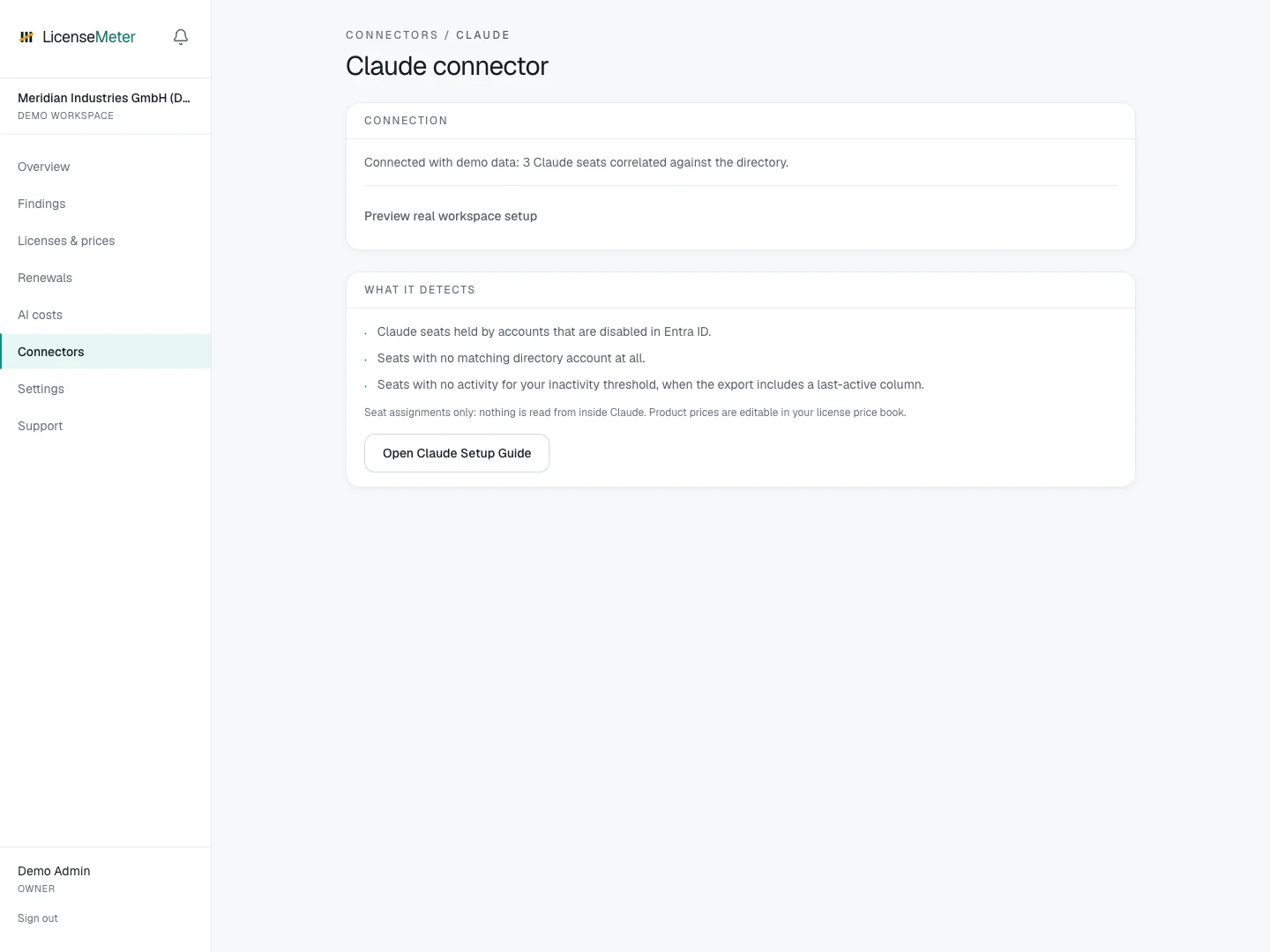
Open **Connectors > Claude** in your workspace.
LicenseMeter sample workspace. All names, costs and findings shown are demonstration data.
{% hint style="info" %}
The screenshot shows sample data, not a live connection or provider consent screen. In your own workspace, the page presents the appropriate connection or import controls.
{% endhint %}
## Setup
{% stepper %}
{% step %}
### Export the member list
In Claude under Organization settings > Members, copy or export the member table including its header row. Admins on Team and Enterprise plans can access it.
[Claude: Manage members on Team and Enterprise plans](https://support.claude.com/en/articles/13133750-manage-members-on-team-and-enterprise-plans)
{% endstep %}
{% step %}
### Paste it
On the Claude connector page, paste the table. Columns for email, name, status, seat type and last activity are detected automatically; comma, semicolon and tab formats all work.
{% endstep %}
{% step %}
### Price the seats
Set your per-seat price under Licenses & prices (claude:). Re-import any time. Each paste replaces the previous snapshot.
{% endstep %}
{% endstepper %}
## Data used
* Only what is in your paste: member emails, names, seat types, status and last-active dates
## Outside this connector's scope
* Conversations, prompts or anything inside Claude: no Claude credentials are stored at all
## Findings and limitations
* Claude seats held by accounts that are disabled in Entra ID.
* Seats with no matching directory account at all.
* Seats with no activity for your inactivity threshold, when the export includes a last-active column.
Availability of exports and activity columns depends on your workspace. If no activity date is present, do not infer inactivity from the member list alone.
After setup, check the refresh timestamp and [set contract prices](/licenses-and-prices.md) for any seat-based products. If validation or sync fails, start with [Troubleshooting](/troubleshooting.md).
---
# Agent Instructions
This documentation is published with GitBook. GitBook is the documentation platform designed so that both humans and AI agents can read, navigate, and reason over technical content effectively. Learn more at gitbook.com.
## Querying This Documentation
If you need additional information that is not directly available in this page, you can query the documentation dynamically by asking a question.
Perform an HTTP GET request on the current page URL with the `ask` query parameter, and the optional `goal` query parameter:
```
GET https://docs.licensemeter.com/connectors/claude.md?ask=&goal=
```
`ask` is the immediate question: it should be specific, self-contained, and written in natural language.
`goal` is optional and describes the broader end goal you are ultimately trying to accomplish on behalf of the user. GitBook uses it to tailor the answer towards what is most useful for that goal.
The response will contain a direct answer to the question and relevant excerpts and sources from the documentation.
Use this mechanism when the answer is not explicitly present in the current page, you need clarification or additional context, or you want to retrieve related documentation sections.